Unity’s Scriptable objects


Scriptable objects can become very useful when developing in Unity.
In order to create a scriptable object, we need to create a new script, and we need to create something like this:
[CreateAssetMenu(fileName = "Text_here", menuName = "Text_here")]
public class [SCRIPT_NAME] : ScriptableObject
{
    //Variables and our code here
}
This gives us an ability to create a new object in the menu
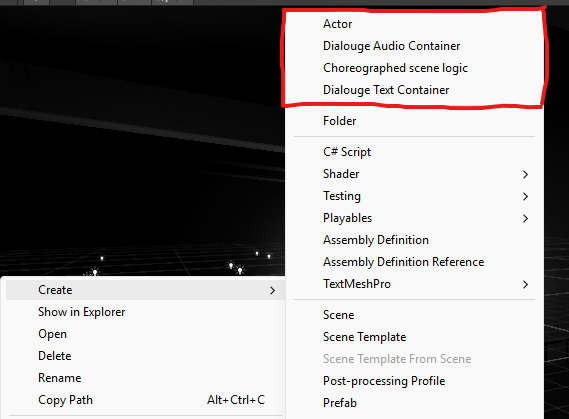
An example scritpable object would look like this:
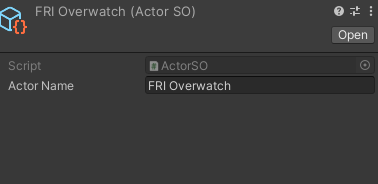
And thats it! Now you can select individual variables and functions once you ensure you select our scriptableObject. You can, for example select it like this;
private [SCRIPTABLE_OBJECT_SCRIPT_NAME] [VARIABLE_NAME];